
Cropping for social networks: Landscape
Facebook profile picture, Instagram square, LinkedIn post — every social network has its own image format (or formats). And on our side, we have our phones, our cameras, our GoPros, and so on… which produce images in yet another format. So how do you crop all that to publish easily? Landscape by Sprout Social offers a simple, free answer.
Landscape: simple and free
Landscape is a free web service that lets you crop images for the most popular social networks. In a few clicks, your image is perfectly cropped to meet Facebook, LinkedIn, Instagram or Twitter requirements. The big advantage of this service is that you no longer need to worry about each image's size by digging through the FAQs of the various web services. And no need either to open or , crop, zoom, create layers here and there, etc… Just two or three mouse clicks! Let's walk through the steps.
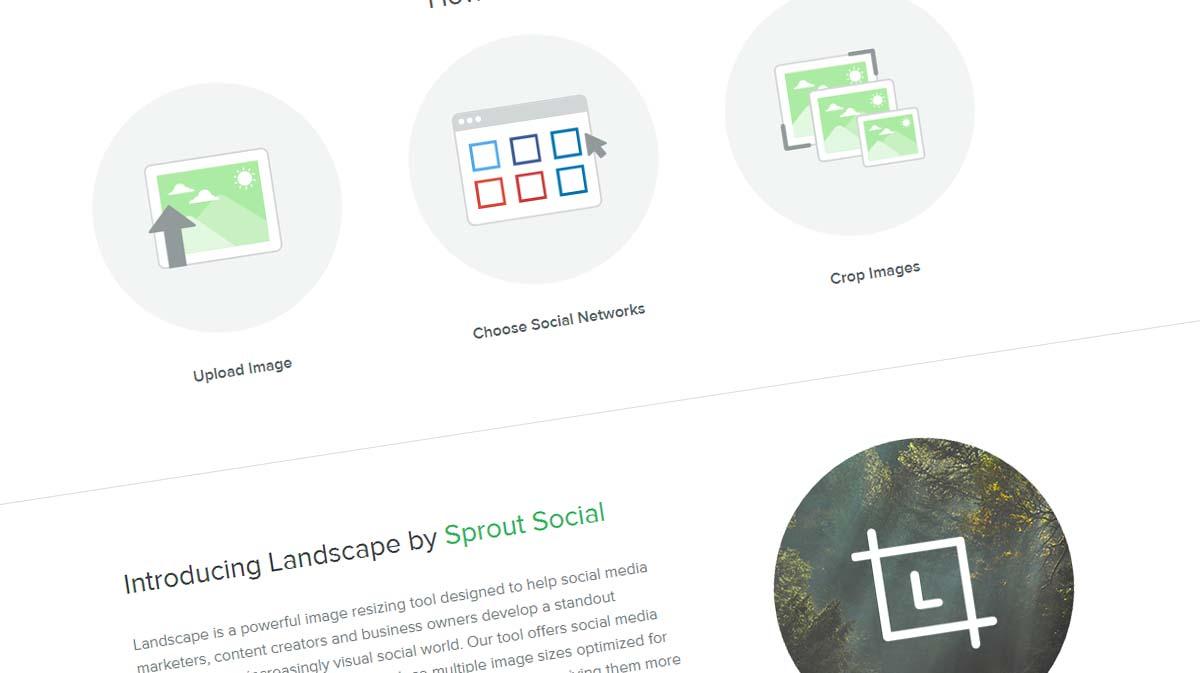
Step 1: Upload to Landscape.
The first step is as easy as it gets. Drag and drop an image into the Landscape interface and you're done. Note that the maximum image size is 10 MB.
Step 2: Choose the networks and formats
The second step: choose, from the list of available social networks, the ones you want to process.
And then choose the image types for those networks — again, the operations are disarmingly simple.
Step 3: Crop
Third, and second to last step: crop and zoom the images to get the look you want.
Step 4: Download
The final step is automatic: Landscape generates the images and downloads an archive. All that's left to do is use them on your favourite social networks.